How to Choose Physiotherapy Practice Management Software
A practical buyer's guide to help clinic owners, practice managers, and physiotherapists evaluate software features, pricing models, and operational workflows.
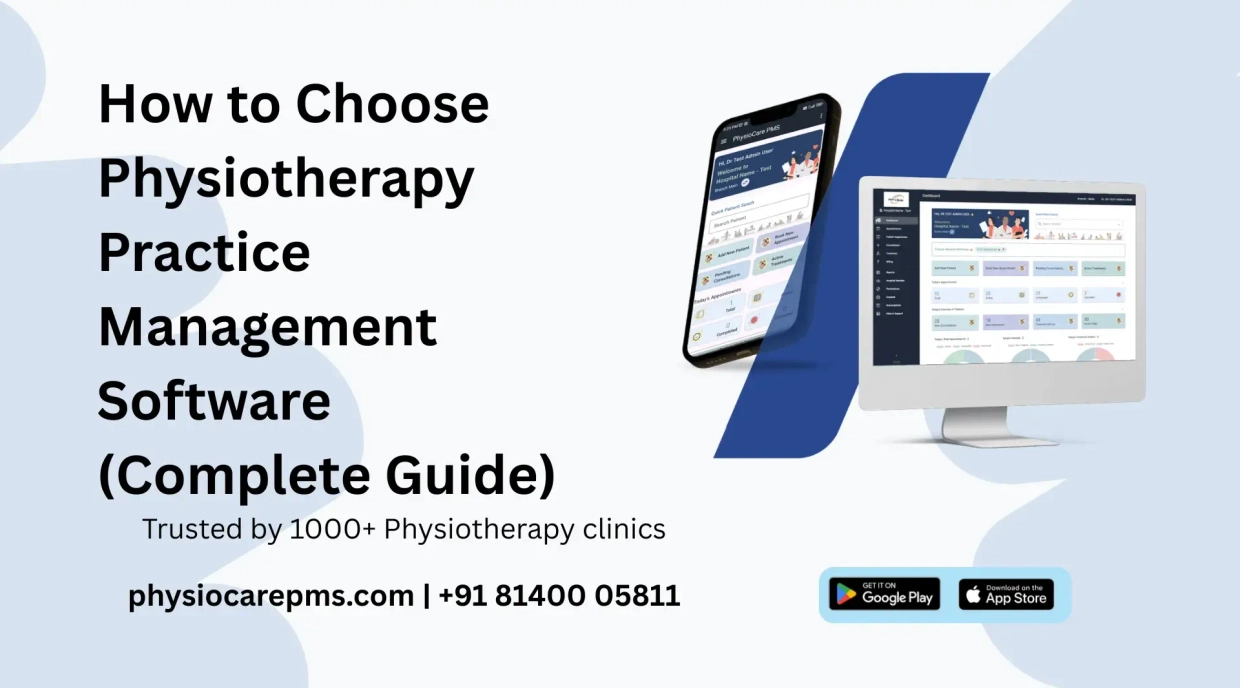
Selecting the right physiotherapy practice management software is one of the most critical decisions a clinic owner can make. The right software reduces administrative overhead, prevents double-bookings, tracks package session balances, and improves cash flow. However, choosing software that does not fit your clinic's actual workflow can cause frustration, staff pushback, and wasted subscription costs.
With dozens of medical EMRs and generic booking tools available, knowing how to choose physiotherapy practice management software tailored to physical therapy workflows is essential. This guide outlines key evaluation criteria, feature checklists, pricing pitfalls, and essential vendor questions.
Why Choosing the Right Software Matters
Physiotherapy clinics operate differently from general OPD clinics or dental practices. Therapy clinics regularly handle multi-session treatment packages (e.g., 10-session stroke rehabilitation or sports injury programs), require physical therapy assessment templates, and manage multi-therapist schedules across shared treatment beds.
Generic clinic software often lacks automated package session deductions, resulting in front-desk staff manually tallying sessions on paper. Specialized practice software centralizes these operations into a single seamless platform.
7 Key Factors to Consider When Evaluating Physiotherapy Software
1. Physiotherapy-Specific Workflows vs. Generic EMRs
Ensure the software natively supports therapy workflows rather than forcing generic medical templates onto your practice. Verify support for:
- Clinical assessment notes and physical examination documentation via consultation notes .
- Treatment modality catalogs (electrotherapy, exercise therapy, manual therapy) using treatment management.
- Diagnostic scan and report attachments through patient document upload.
2. Ease of Use for Therapists & Front-Desk Staff
Software that takes weeks to learn will face resistance from your receptionists and junior therapists. Look for a clean, intuitive dashboard where front-desk staff can quickly check in arriving patients, log session deductions, and print receipts within a few clicks.
3. Appointment Scheduling & Patient Self-Booking Portal
Appointment scheduling is the core operational engine of any busy clinic. Verify that the software offers:
- Color-coded calendar management with multi-therapist views via appointment booking .
- Customizable time slot durations (15, 30, 45, or 60 minutes) to prevent schedule overlaps.
- A shareable online booking link with OTP login that enables patients to self-book sessions 24/7.
4. Billing, Receipts, and Package Management Features
Financial record-keeping should be automated. Look for systems that handle:
- Automated session deduction upon visit entry via treatment package management .
- Professional invoice and receipt generation using print bill receipts .
- Outstanding collection tracking with payment reminders .
5. Patient Communication Capabilities (WhatsApp & SMS)
Reducing missed visits requires reliable automated notifications. Verify whether the vendor offers official WhatsApp Business API integration so appointment confirmations, reminders, and PDF bills arrive under your verified clinic identity rather than unverified personal numbers.
6. Transparent Pricing Model & Total Cost of Ownership
Avoid software providers that hide setup fees, charge extra per registered therapist, or restrict basic features to high-tier plans. Review all-inclusive flat pricing options on our physiotherapy software pricing page to ensure predictable monthly costs.
7. Data Security, Cloud Access & System Reliability
Cloud-based systems offer accessibility from desktop PCs, tablets, and smartphones without maintaining expensive local servers. Ensure the software provides role-based access control, routine data backups, and high system uptime.
Software Evaluation Checklist for Physiotherapy Clinics
Use this feature checklist when comparing software options during vendor demos:
| Feature Category | Must-Have Capabilities | Evaluation Importance |
|---|---|---|
| Patient Management | Digital profiles, clinical notes, MRI/X-ray file uploads | Critical |
| Scheduling | Multi-therapist calendar, self-booking portal, slot locking | Critical |
| Package Tracking | Multi-session package creation & automatic visit deductions | Critical |
| Billing & Receipts | Branded bill generation, advance wallet, expense tracking | Critical |
| Communication | Official WhatsApp API reminders & SMS alerts | High Priority |
| Multi-Branch | Centralized dashboard for multi-location access & staff roles | High Priority |
7 Questions to Ask a Software Vendor Before Buying
During product demonstrations, ask vendors these specific questions:
- Does the software automatically deduct sessions from multi-visit packages?
- Are there any per-user or per-therapist charges as our staff grows?
- Do WhatsApp appointment reminders arrive under our official clinic name?
- Can receptionists be restricted from modifying past financial entries?
- Does the software support multi-branch management under one account?
- Are there any hidden setup, installation, or training fees?
- Is a free trial available to test with our daily clinic workflow?
Common Pitfalls to Avoid When Choosing Software
- Buying Generic Hospital EMRs: Generic systems lack specialized physiotherapy treatment catalogs and package session deductions.
- Falling for Long-Term Lock-in Contracts: Avoid annual contracts before testing the software in daily clinic operations.
- Overlooking Mobile Accessibility: Ensure therapists can access schedules and update notes during home visits or away from the clinic desk.
- Ignoring Per-User Pricing Traps: Costs escalate quickly when vendors charge extra for every receptionist or junior therapist added.
Frequently Asked Questions
Evaluate PhysioCare PMS for Your Practice
Start Free 10-Day Trial Schedule Live DemoExplore all features — 10-day free trial, no credit card required
Related Workflows & Further Reading
Recent Posts
