10 Benefits of Physiotherapy Practice Management Software
Learn how specialized practice management software helps physiotherapy clinics streamline scheduling, digital records, package tracking, billing, and multi-branch operations.
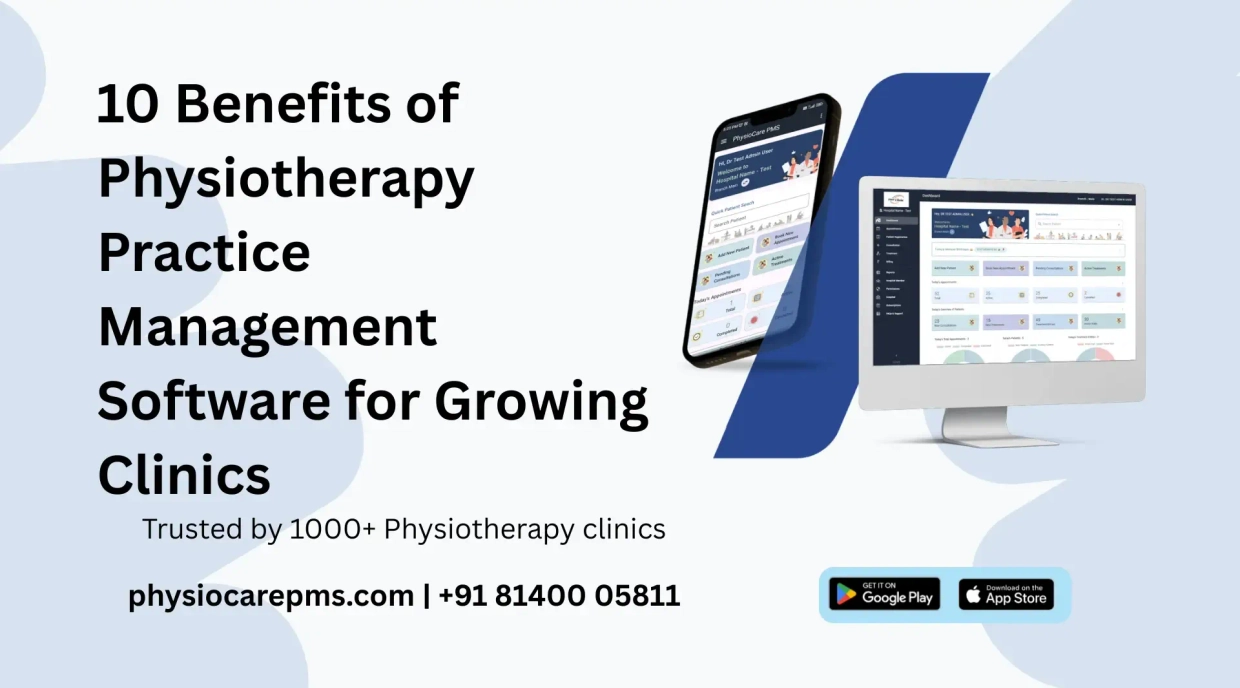
Running a successful physiotherapy practice involves far more than clinical care. Front-desk staff and clinic owners often spend hours managing appointment slots, tracking multi-session treatment packages, recording daily payments, and organizing paper case files. As a practice grows, relying on manual paper registers or basic Excel spreadsheets creates operational bottlenecks and increases the risk of scheduling overlaps or billing errors.
Adopting specialized physiotherapy practice management software brings routine administrative workflows into a single cloud-based system. In this guide, we explore the 10 key benefits of physiotherapy practice management software for solo practitioners, growing teams, and multi-branch clinics.
What Is Physiotherapy Practice Management Software?
Physiotherapy practice management software is a specialized platform designed specifically for the operational workflows of physical therapy clinics, rehabilitation centers, and home care providers. Unlike generic medical EMRs, dedicated physiotherapy software handles session-based treatment packages, multi-therapist scheduling, consultation assessments, and digital receipt generation under one interface.
To explore all core platform capabilities, visit our comprehensive physiotherapy clinic management software features guide.
10 Key Benefits for Physiotherapy Clinics
1. Save Time on Daily Administrative Work
Manual patient intake, paper appointment books, and end-of-day billing calculations take up valuable time that should be spent on patient care. Modern clinic software automates daily front-desk tasks, helping staff save up to 5+ hours daily on administrative paperwork.
2. Keep Patient Records & Clinical History Organized
Centralize patient records in a secure cloud database. Quickly access chief complaints, physical assessment notes, and past session details during consultations:
- Create patient profiles instantly using patient registration .
- Store clinical findings and treatment plans with consultation notes .
- Securely store diagnostic X-rays and MRI reports via patient document upload.
3. Manage Appointments Across Multiple Therapists
Coordinating schedules for multiple consultants can easily lead to double bookings. A centralized appointment booking calendar provides clear visibility into daily therapist availability, session durations (15, 30, 45, or 60 minutes), and open time slots across clinic branches.
4. Track Treatment Packages and Remaining Sessions
Physiotherapy clinics frequently sell multi-session packages (e.g., 10-session back pain rehab). Software eliminates manual session tallies by providing automated treatment package management . Completed sessions are deducted automatically upon visit entry, making package balances transparent for both therapists and patients.
5. Simplify Billing, Receipts, and Expense Management
Streamline financial operations by generating itemized bills for individual visits or package advances. Print professional bills using print bill receipts , track advance wallet deposits, and maintain clean record-keeping for clinic overhead costs.
6. Reduce Missed Visits With Automated Reminders
Patients frequently forget follow-up therapy visits when reminders are not sent systematically. Automated appointment notifications remind patients ahead of their scheduled sessions, helping maintain treatment consistency and reducing missed clinic visits via payment reminders and scheduling alerts.
7. Communicate With Patients Using Your Official Clinic Identity
Sending reminders from personal mobile numbers looks unprofessional and risks message blocking. With official WhatsApp Business API integration, appointment confirmations, session reminders, and PDF receipts arrive under your clinic’s verified business name.
8. Manage Staff Roles and Multiple Clinic Branches
As your practice expands, managing multi-location operations requires clear administrative controls:
- Oversee multi-location revenue and attendance using multiple branches management.
- Assign specific access permissions for receptionists and junior therapists via clinic members management .
9. Understand Clinic Performance With Financial & Staff Reports
Make informed business decisions using real-time operational reports. Access day-wise collections, monthly expense breakdowns, and consultant appointment volumes through clinic reports.
10. Access Clinic Information Securely From the Cloud
Cloud-based software enables secure access on desktop PCs, tablets, and mobile devices. Patient records, therapist schedules, and billing data remain safely stored with role-based access restrictions and routine server backups.
Manual Systems vs. Practice Management Software
Comparing everyday clinic management methods highlights the operational advantages of dedicated software:
| Feature / Workflow | Paper Files & Registers | Excel Spreadsheets | Physiotherapy PMS |
|---|---|---|---|
| Patient Records | Physical files; high risk of misplacement | Scattered files; manual updates required | Centralized digital cloud profiles |
| Appointment Booking | Paper diary; scheduling overlaps occur | Manual spreadsheet edits | Color-coded multi-therapist calendar |
| Package Balance Tracking | Manual session counting on physical cards | Formula errors & missed updates | Automated session deduction on check-in |
| Patient Reminders | Manual phone calls required | Manual WhatsApp messages | Automated WhatsApp & SMS reminders |
| Multi-Branch Visibility | Physical visits required to check books | Emailing multiple files daily | Single real-time central dashboard |
How to Move From Paper or Excel to Practice Management Software
Transitioning your clinic from paper registers or Excel spreadsheets to cloud software is straightforward when following a structured step-by-step approach:
- Identify Current Workflow Bottlenecks: Pinpoint where administrative delays occur (e.g., front-desk check-in delays, package session disputes, or late billing entries).
- Audit & Clean Existing Patient Data: Consolidate active patient names, contact numbers, and ongoing treatment details.
- Prepare Active Package Balances: Note remaining sessions for active patients purchasing multi-session treatment packages.
- Configure Services & Modalities: Input standard consultation rates, electrotherapy services, and package offerings into your software catalog using treatment management.
- Set Up Therapist Schedules & Access Roles: Configure working hours for each consultant and assign role permissions for receptionists.
- Train Front-Desk & Clinical Team: Walk through daily check-in, prescription printing, and receipt generation workflows.
- Launch Controlled Transition: Begin logging daily visits digitally while keeping legacy files as reference during the first week.
Is Physiotherapy Practice Management Software Worth It?
Evaluating whether software is worth the investment depends on your practice size and daily patient volume:
- Solo Practitioners: Eliminates manual paperwork after clinic hours, keeps patient notes organized, and automates payment receipts.
- Growing Team Clinics: Coordinates calendars across multiple physiotherapists, prevents double bookings, and tracks consultant consultation volumes.
- Multi-Branch Practices: Provides owners with centralized financial reports, staff attendance oversight, and branch performance comparisons.
Review predictable monthly plans on our physiotherapy software pricing page.
Frequently Asked Questions
Ready to Experience These Benefits in Your Practice?
Start Free 10-Day Trial Book Live DemoExplore all features of PhysioCare PMS — 10-day free trial, no credit card required
Related Workflows & Further Reading
Recent Posts
